
Free Image Resizer
Pro Resizer
Studio-quality image resizing in your browser.
Upload Image
Click or drag and drop JPG, PNG, or WebP
Change Image
How to Resize Your Images Online (Step-by-Step)
- Upload: Click the box above and select your photo. Our tool supports JPG, PNG, and WebP.
- Pick a Size: Select a one-click preset (Instagram, YouTube, Facebook) or enter your own Custom Pixels.
- Instant Result: Our intelligent algorithm instantly resizes the image in your browser.
- Download: Save your professional, high-quality image with zero blur.
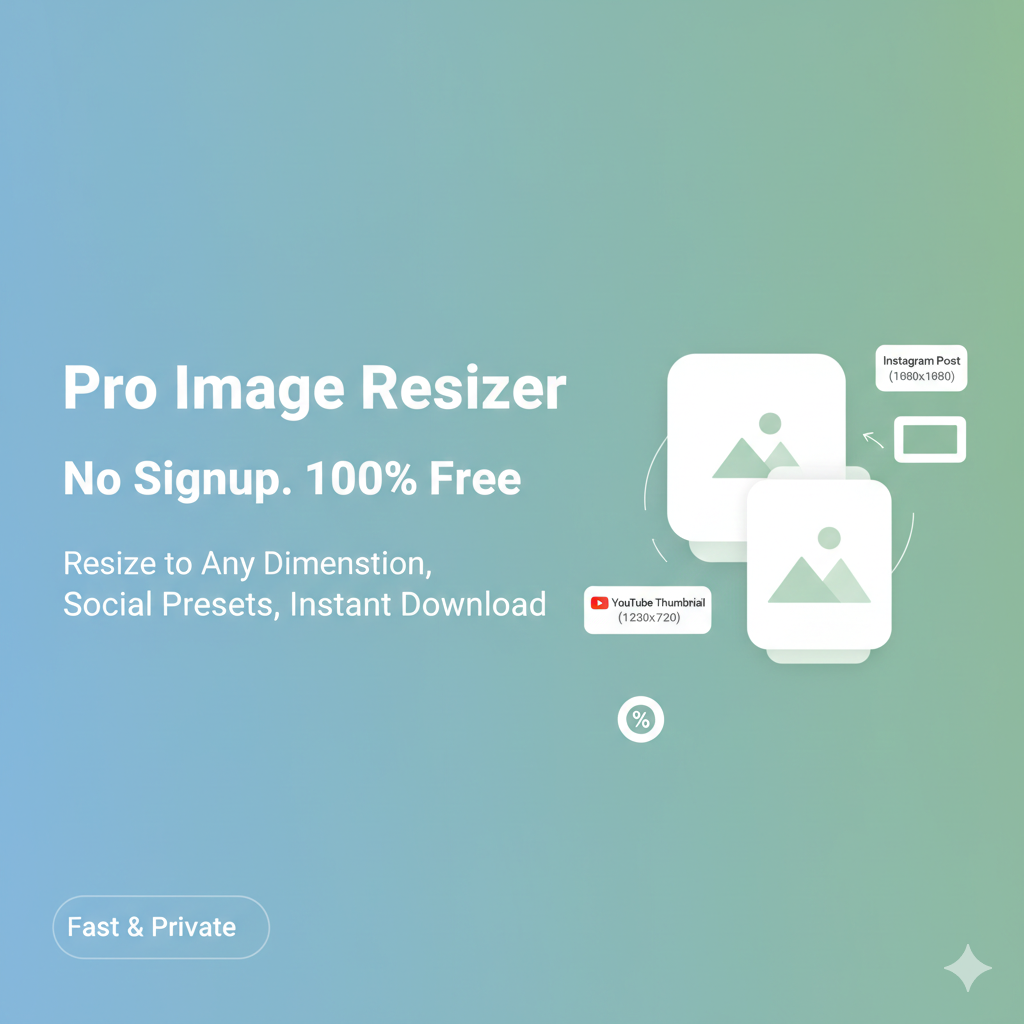
Why Our Image Resizer is the Best Choice?
1. 100% Private & Secure
Unlike other websites, we do not upload your photos to any server. Your images stay on your device and are processed locally using your browser’s power. This is the safest way to handle personal documents or private photos.
2. Perfect Social Media Dimensions
No more searching for “What is the size of an Instagram post?” We have pre-set buttons for:
- Instagram Post & Story
- YouTube Thumbnails
- Facebook Posts
3. No Registration, No Login
We don’t want your email or phone number. You get unlimited access to our premium resizer without ever creating an account. Just visit, resize, and go!
Frequently Asked Questions (FAQs)
Q: Will I lose image quality after resizing? A: No! Our tool uses high-end rendering to ensure your image stays sharp and clear even when changing pixels.
Q: Is there a limit on file size? A: You can upload images up to 10MB. For most social media and web uses, this is more than enough.
Q: Does it work on Android or iPhone? A: Yes, the tool is fully responsive. You can resize photos directly from your mobile gallery.
