
Universal Image Converter: Convert HEIC, SVG, PNG, JPG Instantly
PNG, JPG, WebP, SVG, HEIC
Conversion starts instantly after clicking
Upload an image to see the
Magic Result here.
Forget downloading heavy software or uploading sensitive photos to unknown servers. Our Universal Image Converter is a pro-grade tool that works directly in your browser. Whether you need to change a HEIC to JPG for a form or SVG to PNG for a presentation, do it all in one click—No Signup Required.
The Safest Way to Convert Images Online
Most online converters upload your personal files to their servers, which puts your privacy at risk. Our Universal Image Converter is different. It uses Local Browser Processing, meaning your images never leave your computer. It’s faster, safer, and works even on slow internet connections.
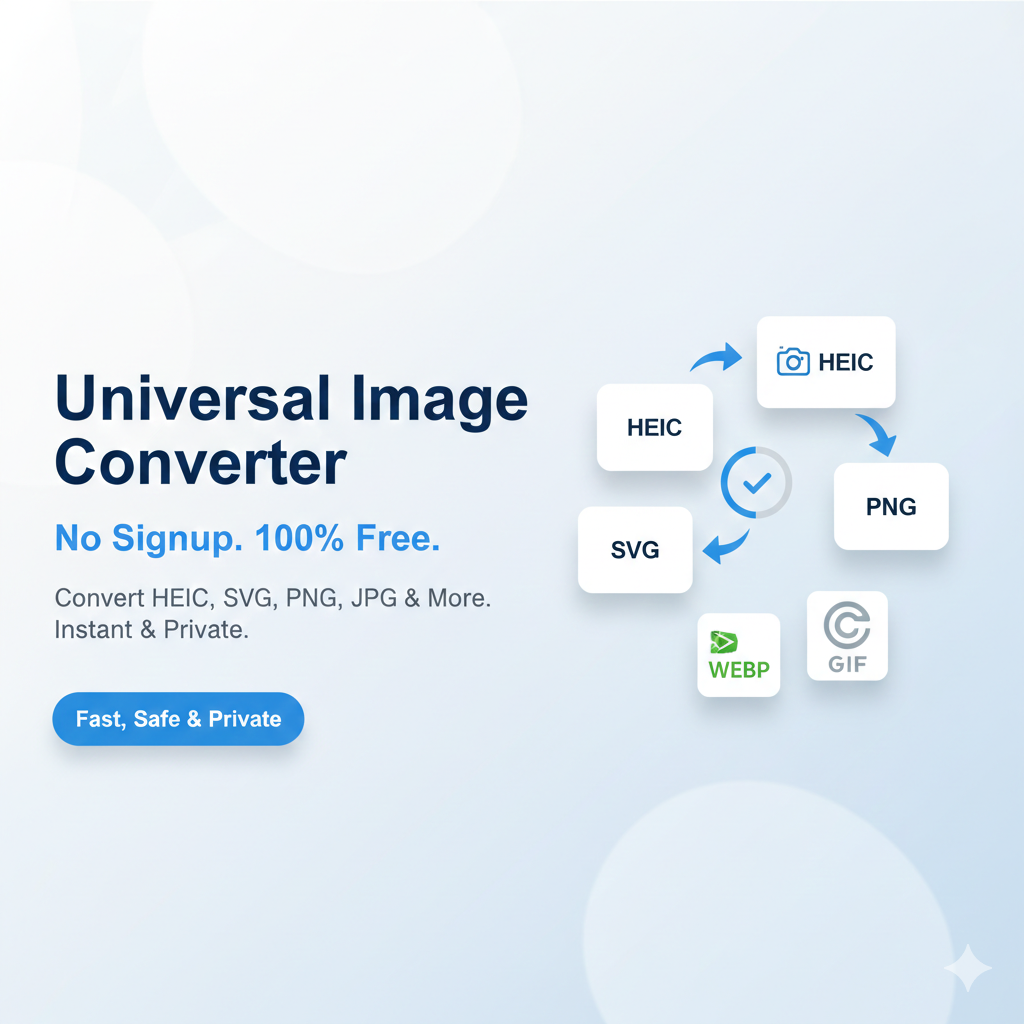
Supported Formats & Features
- HEIC to JPG: Convert iPhone photos for easy sharing on Windows and Android.
- SVG to PNG: Turn vector icons into high-quality transparent images.
- WebP Conversion: Convert images to WebP for faster website performance.
- Legacy Support: Easily convert files to GIF or BMP formats.
- No Registration: Use all features without ever giving your email or creating an account.
How to Use the Universal Converter?
- Select Image: Click the upload area to choose any image from your gallery or folder.
- Choose Output: Simply click the button of the format you want (e.g., “Convert to PNG”).
- Instant Download: The conversion happens in milliseconds. Click the Download button to save your new file.
Frequently Asked Questions (FAQs)
Q: Is this converter free to use? A: Yes, it is 100% free with no daily limits or hidden charges.
Q: Does it work with iPhone photos (HEIC)? A: Absolutely! You can upload .HEIC files and convert them to standard .JPG or .PNG formats instantly.
Q: Why is browser-side conversion better? A: It is much faster because it doesn’t wait for your file to upload to a server. Most importantly, it keeps your images 100% private.
